
We discussed Yandex for macOS before and even did some benchmarks against 15 other web browsers. Now, we will be discussing Yandex Web Browser Windows version. The installation went smoothly with the ridiculously small installer file downloaded. Of course, there was another process going on in the installation process. But still, it was fast.
Read here to see which web browser is the best.
Yandex offers us to import the data from our previous web browser. Surprisingly, some of the extensions imported and logged in. How convenient!
Features
Secure browsing
Fast page loading
Personalisation
Recommended content
Sync
It also allows me to sync using my Yandex account which renders the importing part obsolete. I doubled my extensions after I’m done syncing. The first set was imported, and the second set was synced. Anyway, this makes my transition from macOS to Windows seamless.
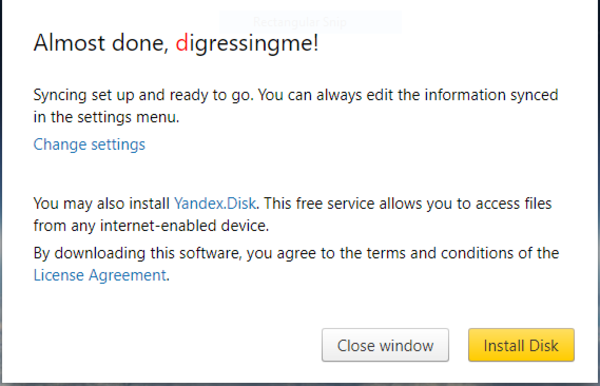
Syncing also allows me to use Yandex disk, a cloud storage. This will be a good alternative to Google Drive since they will shutdown Drive for Windows and macOS soon.
Also, read about Google shutting down Drive for Windows and macOS here.
 bipolar is-popular_