
Let’s Talk About Two Minimalist Free Writing Apps
I just wrote three of my favorite things as a heading. Minimalist, Free, and Writing. I was searching for good writing apps since I was just switched myself to Windows and writing on the web browser is not what I’m fond of. And then I found these two beautiful minimalist free writing apps. Let’s give them a try!
Hi This Is My First Time Writing on Focus Writer
It feels “different” typing here from on other typing apps because it has sounds. A typewriter sound. The sound is delayed which give more realistic feeling to it. Feels like I’m typing on a real typewriter. It has no backspace sound, of course… traditional typewriter doesn’t have any backspace. But, I can still get the oldies sensation from the “enter” sound. What do people call it back then? Paragraph?
Writing here can be my new addiction. But sadly, it can’t send my writing directly to any blog I have. So, I will only experience this cool typing sensation here, and the next is to copy and paste my plain text to my blogs by myself.
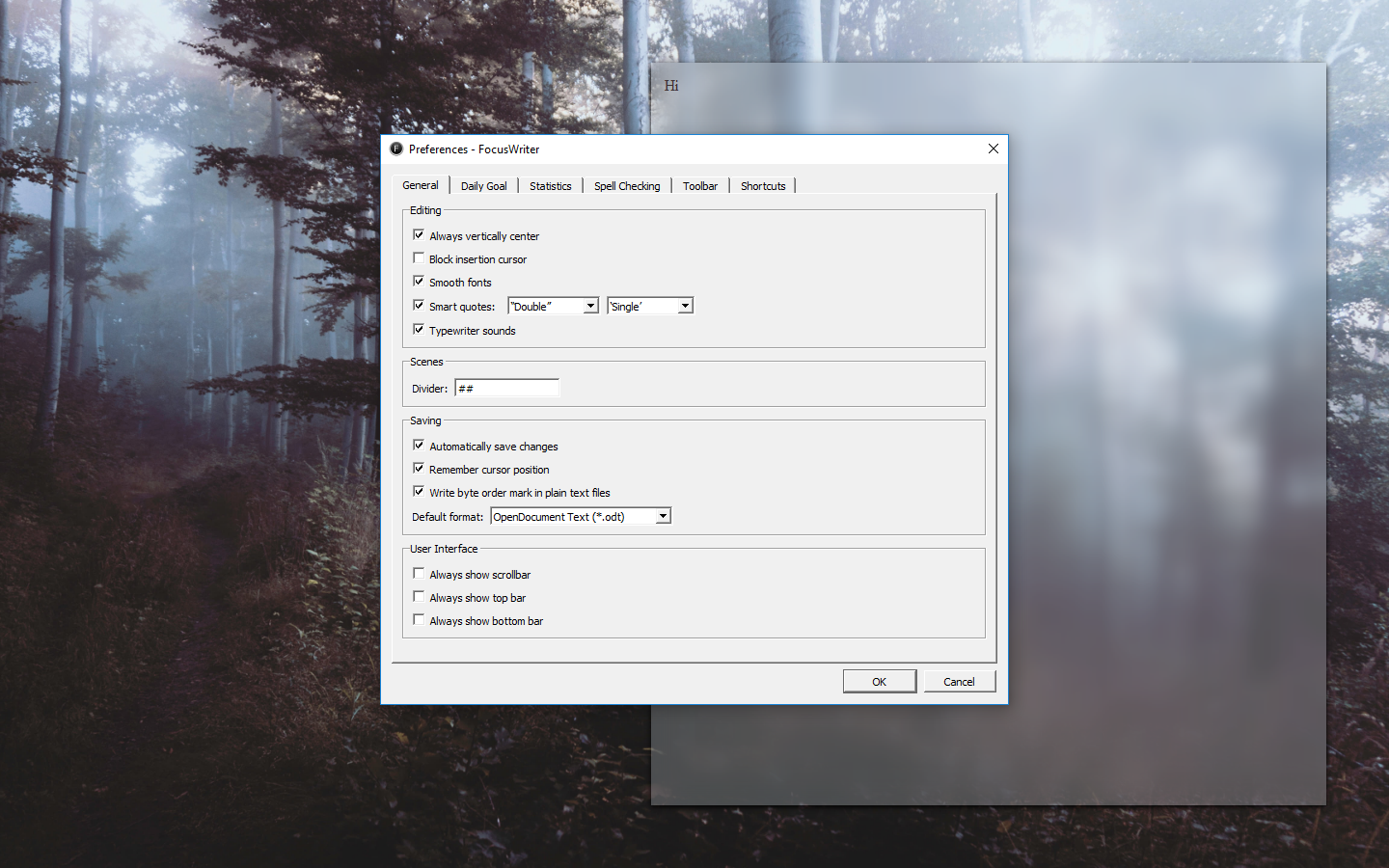
It also doesn’t support markdown, so I guess I can call Focus Writer as a traditional typewriter emulation. A perfect one.
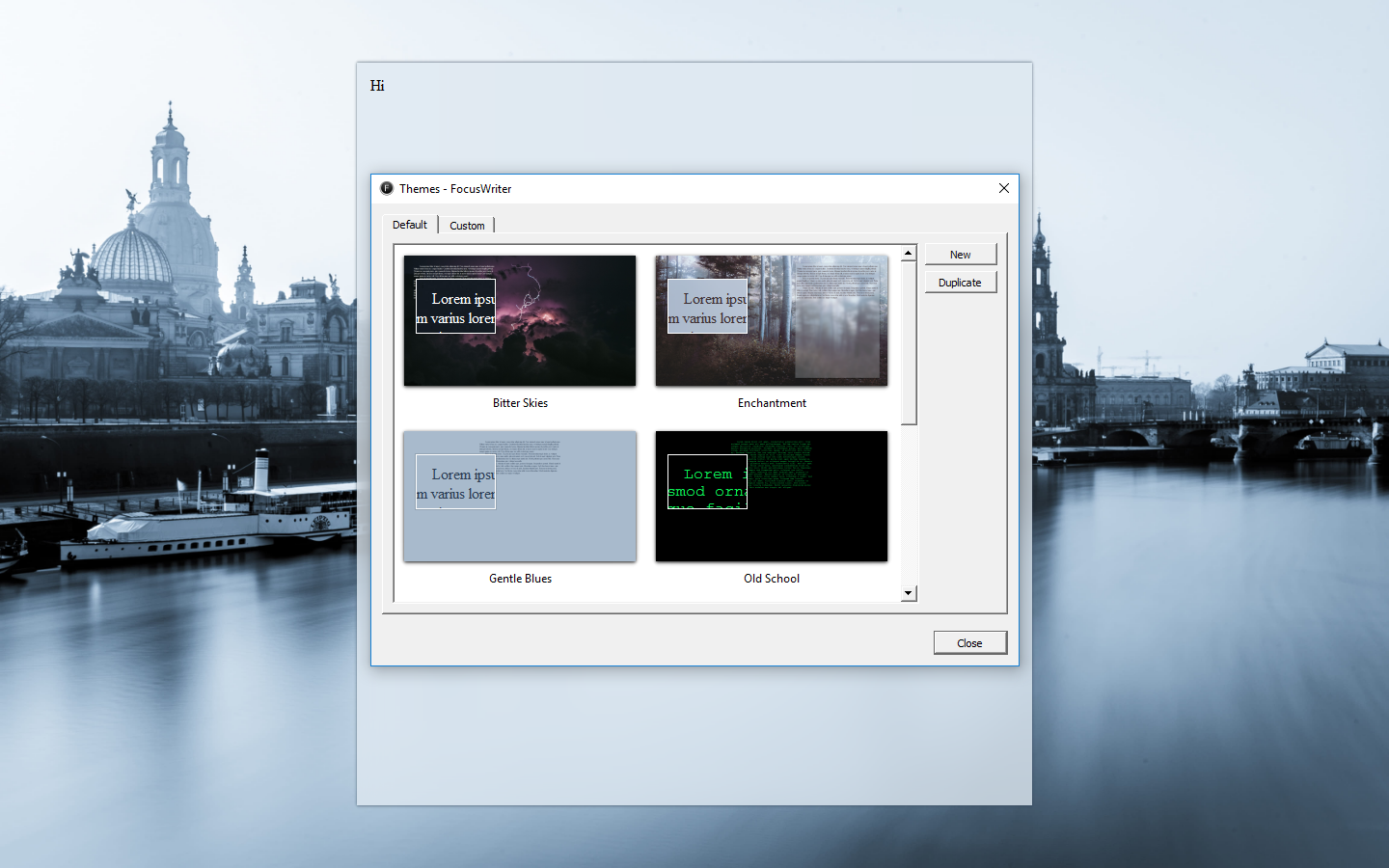
This Part is Written in WriteMonkey
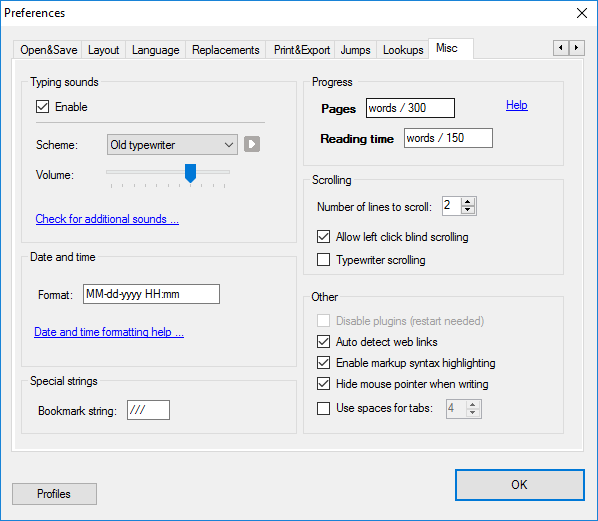
WriteMonkey also entertains me with its realistic typewriter sound, even I like the one in Focus Writer.
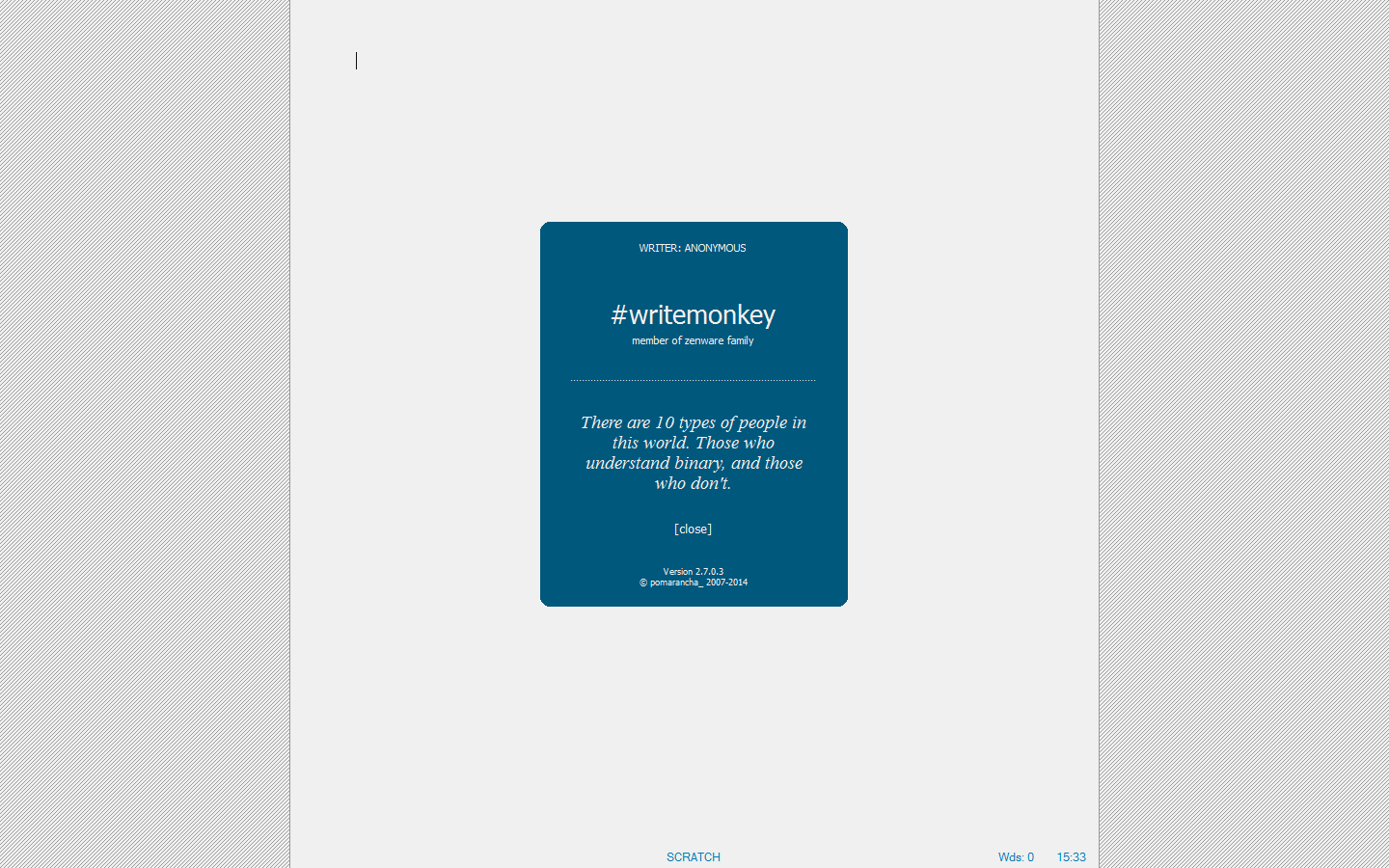
I was greeted with a splash screen with welcoming quotes when I first opened this application. And then… blank page in full screen.
It took me awhile for me to realize that I could access the menu by right-clicking my mouse. And there are **a lot** of hidden menus.
Markdown is supported in WriteMonkey, with a little adaptation, this can easily be everyone’s favorite writing software.
We can make a preview by exporting it to our installed [web browser](https://digressingme.cool). Sorry, that was me checking the Markdown for links.
[*Wondering what Markdown is? Read this article.*](https://digressingme.cool/markdown-markdown-editor-blog-writing/)
Now all I have to do is looking for the right and easy way to put this writing into [my blogs](https://digressingme.wordpress.com).
Conclusion
Both Focus Writer and WriteMonkey offer us minimalistic approach in writing with the maximal result. The only downside is that both have no direct way to put the texts into WordPress. But, the good news is, we can still paste our text to WordPress without losing the text format.
 bipolar is-popular_